PNG vs SVG: Which Format to Choose for Your QR Code?
At doitqr.com, we provide the option to download your QR codes in several formats. But between PNG and SVG, which one is best for your project?
The difference isn't just about how they look, but the technology used behind each file type.
1. PNG Format: For Everyday Use
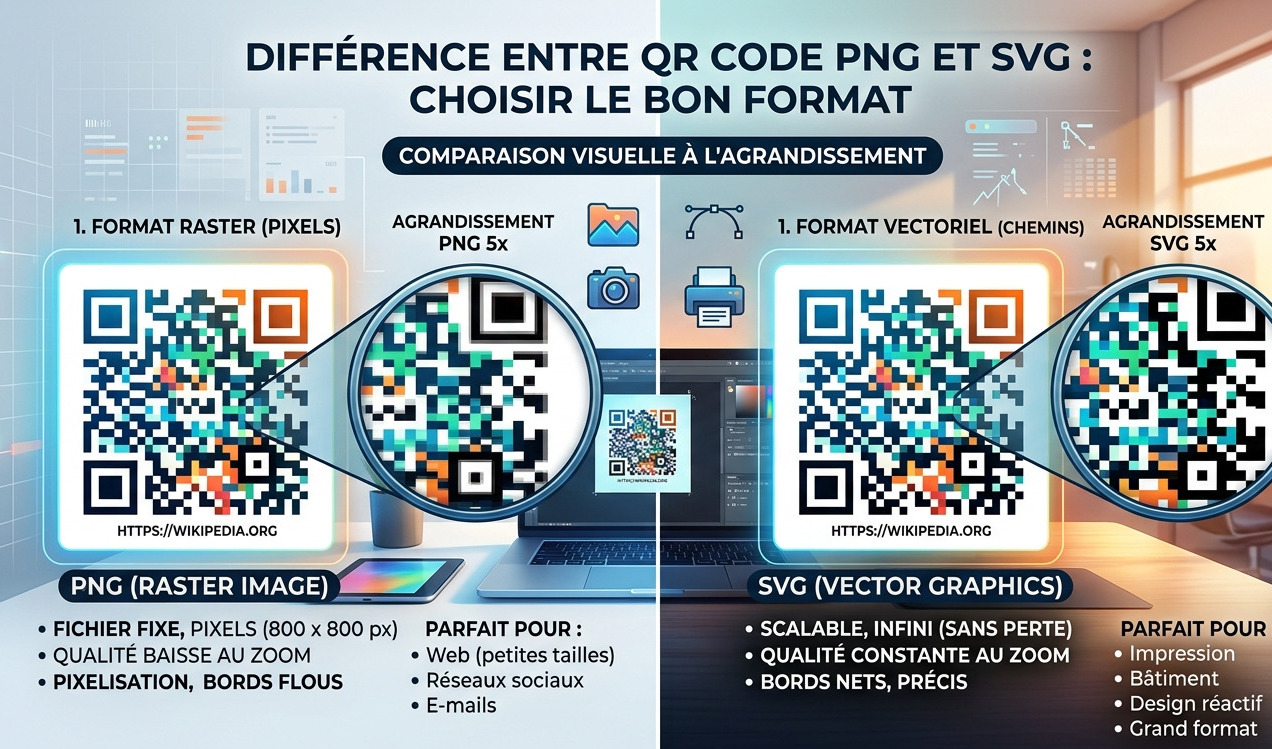
PNG (Portable Network Graphics) is a "raster" format made up of millions of tiny squares called pixels. It is the standard for quick sharing.
- Best for: Social media (Facebook, Instagram), WhatsApp, emails, and Word documents.
- Pros: Wide compatibility and supports background transparency.
- Cons: Becomes blurry or "pixelated" if resized too large.
2. SVG Format: For Professionals
SVG (Scalable Vector Graphics) is a vector format. Instead of pixels, it uses mathematical equations. This is the preferred format for designers.
- Best for: Professional printing (posters, business cards, flyers) and high-definition web integration.
- Pros: Infinite quality. It stays perfectly sharp regardless of the size.
- Cons: Can be slightly more complex for beginners to open without specific software.
3. Quick Comparison
| Criteria | PNG (Standard) | SVG (Pro/Vector) |
|---|---|---|
| Zoom Quality | Decreases (Pixelated) | Perfect (Sharp) |
| Printing | Small sizes only | Any size (Ideal) |
| File Weight | Medium | Very light |
Our Recommendation
If you just want to share your QR code online, go with PNG. If you plan to print it on physical media (paper, clothing, signage), you must download the SVG format on DoItQR.